
Spanning tree
How to find which switch is root bridge for each VLAN
Spanning tree decides which links forward and which stand by, and it decides it from the root bridge outward. If the root is not where you designed it, traffic takes a path you did not choose. The STP listing shows, for every switch and every VLAN, which bridge it currently believes is root, so you can check the whole estate against your design in one read.
Before you start
What you need
- Module required: stp.
- Permission required: view_stp.
- Cisco and Huawei switches only
1. Open L2 Services then Spanning-Tree
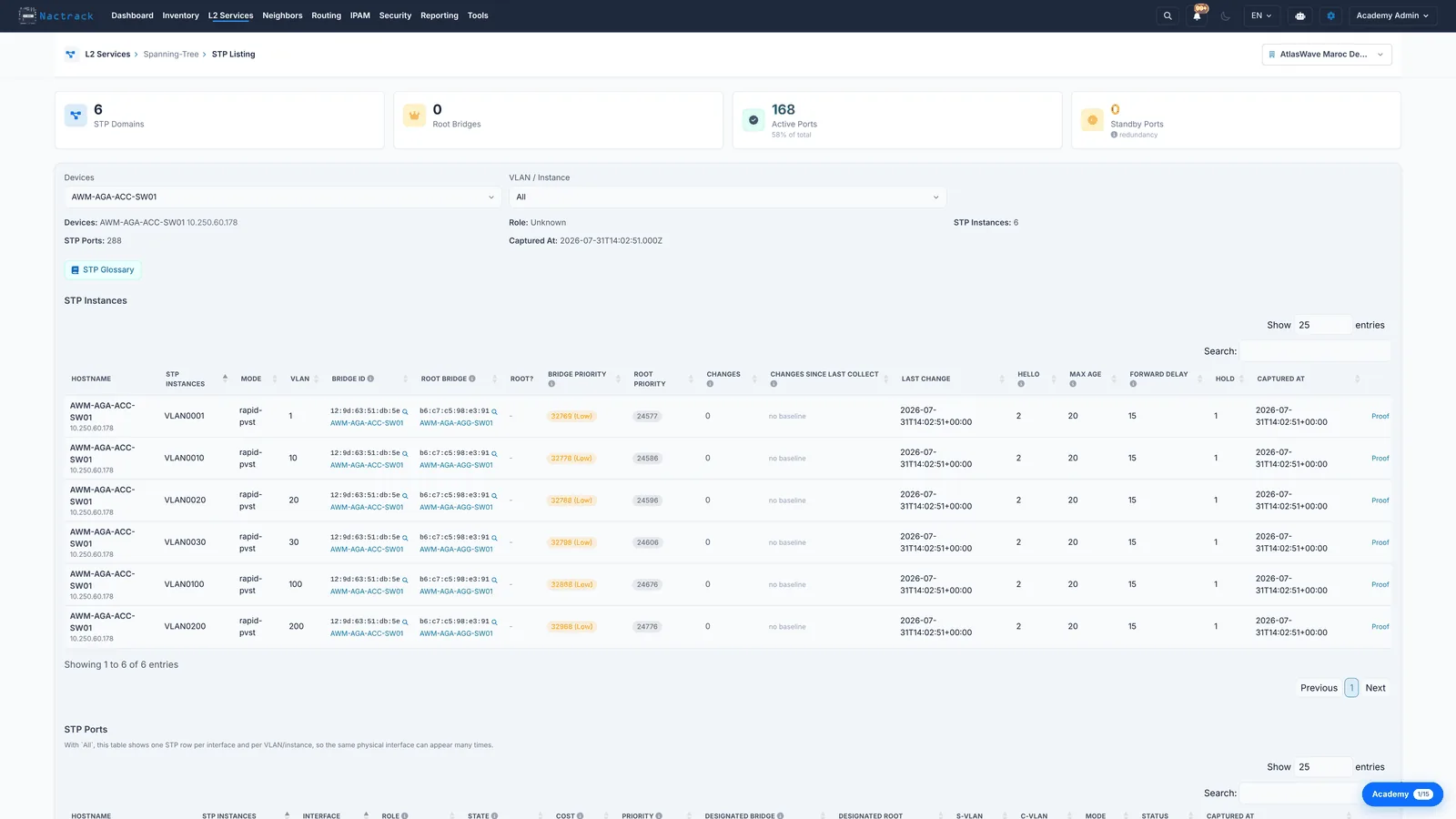
2. Read a domain
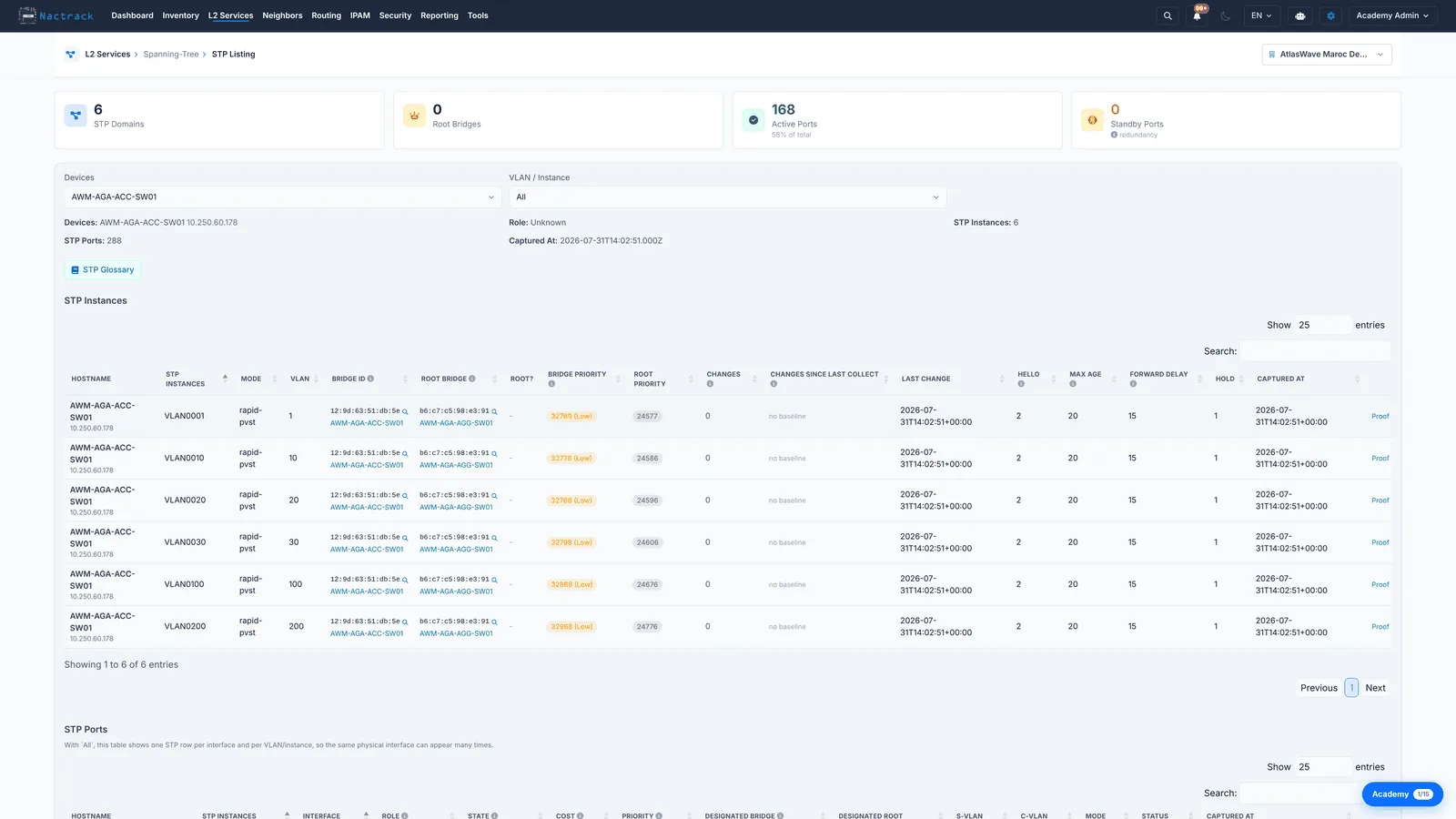
The limits
What this view does not tell you
- A priority left at the default means the root was decided by the lowest MAC address, not by design. It will move the day that switch is replaced.
- Spanning tree is collected from Cisco and Huawei switches only, and is stripped from routers. An Aruba or Dell access layer will not appear here even though it is running spanning tree.